绘梦工坊 · AI 儿童绘本创作工作台
一句灵感,长成一本绘本。
从故事设定到大纲、角色、分镜、封面、编辑和导出,绘梦工坊把儿童绘本创作拆成清晰可控的生产流程。AI 提速,创作者掌舵。
8 步覆盖从灵感到导出的完整链路
4 类故事、大纲、角色、分镜协同生成
可编辑每一步都能人工调整和覆盖
不是单点生成,是一条横向创作流水线。
儿童绘本需要节奏、角色稳定、图文关系和导出交付。绘梦工坊把这些环节排成 4×2 的可视化流程,逐步确认更清晰。
一句灵感
- 01故事设定
定义主题、受众和故事方向
- 02大纲确认
先确认章节节奏和故事目标
- 03角色设定
固定角色外观、性格和识别点
- 04分镜确认
把故事拆成页面级画面意图
- 05封面编辑
生成封面方向并保留人工调整
- 06编辑成书
逐页编辑文字、插画和阅读节奏
- 07适龄检查
检查年龄适配、图文关系和风险点
- 08预览导出
按阅读顺序预览并完成交付
每一步都能人工接管,AI 负责提速,创作者负责判断。
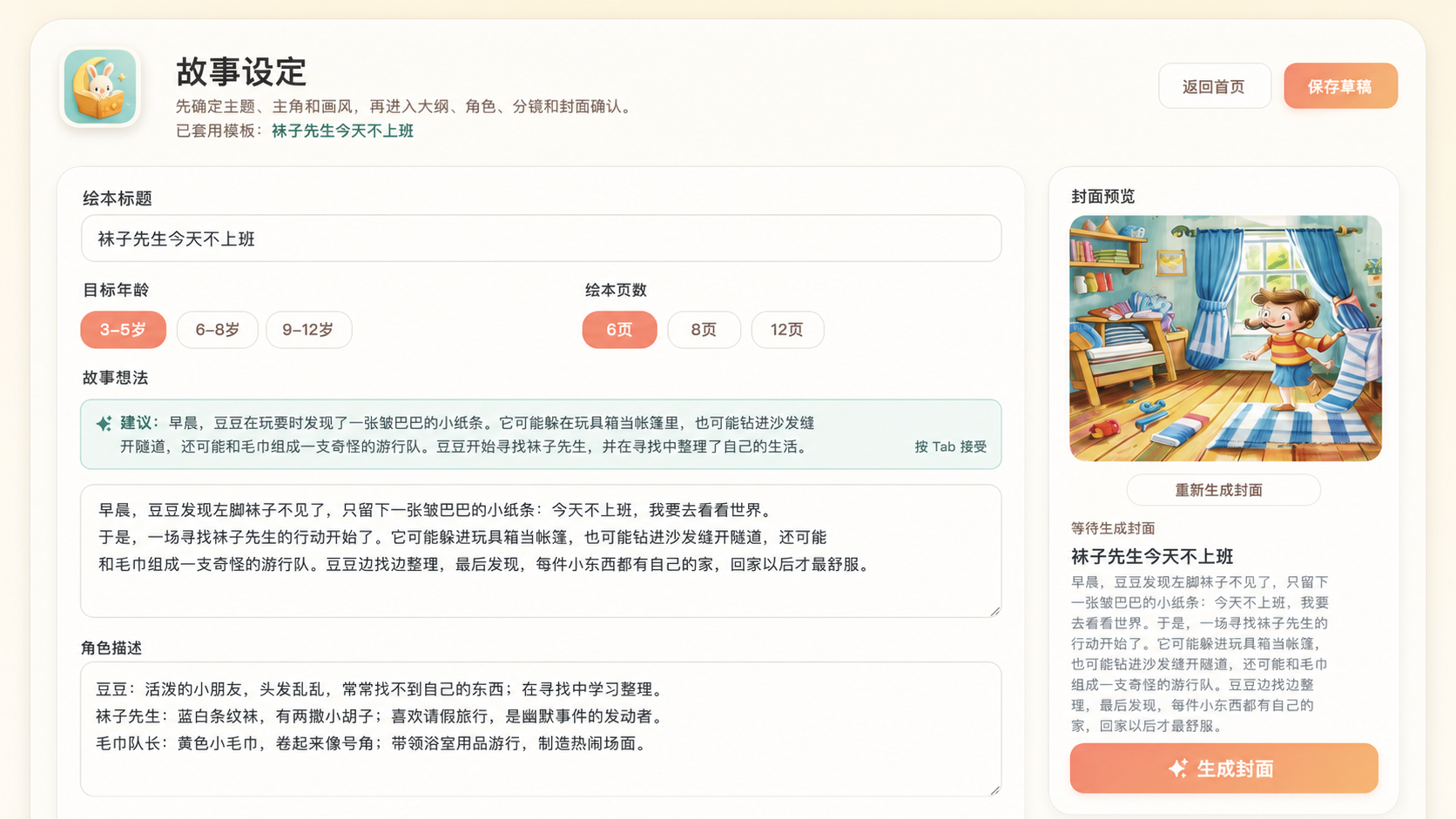
从登录到成书,每一步都有清晰掌控感。
绘梦工坊把灵感发现、故事创建、大纲确认和账号体验串成一条顺手的创作路径,让一本儿童绘本从想法开始逐步长出来。
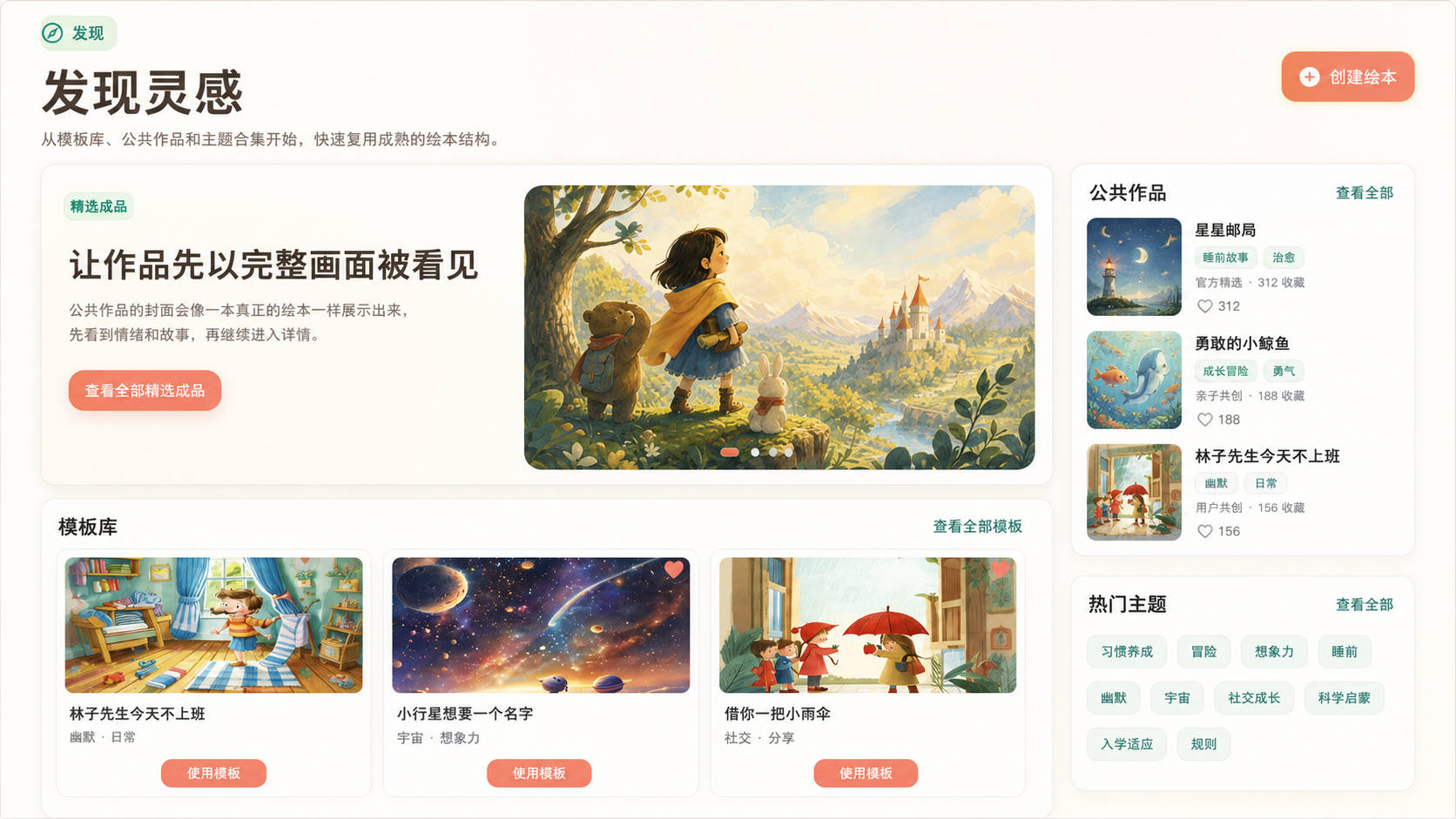
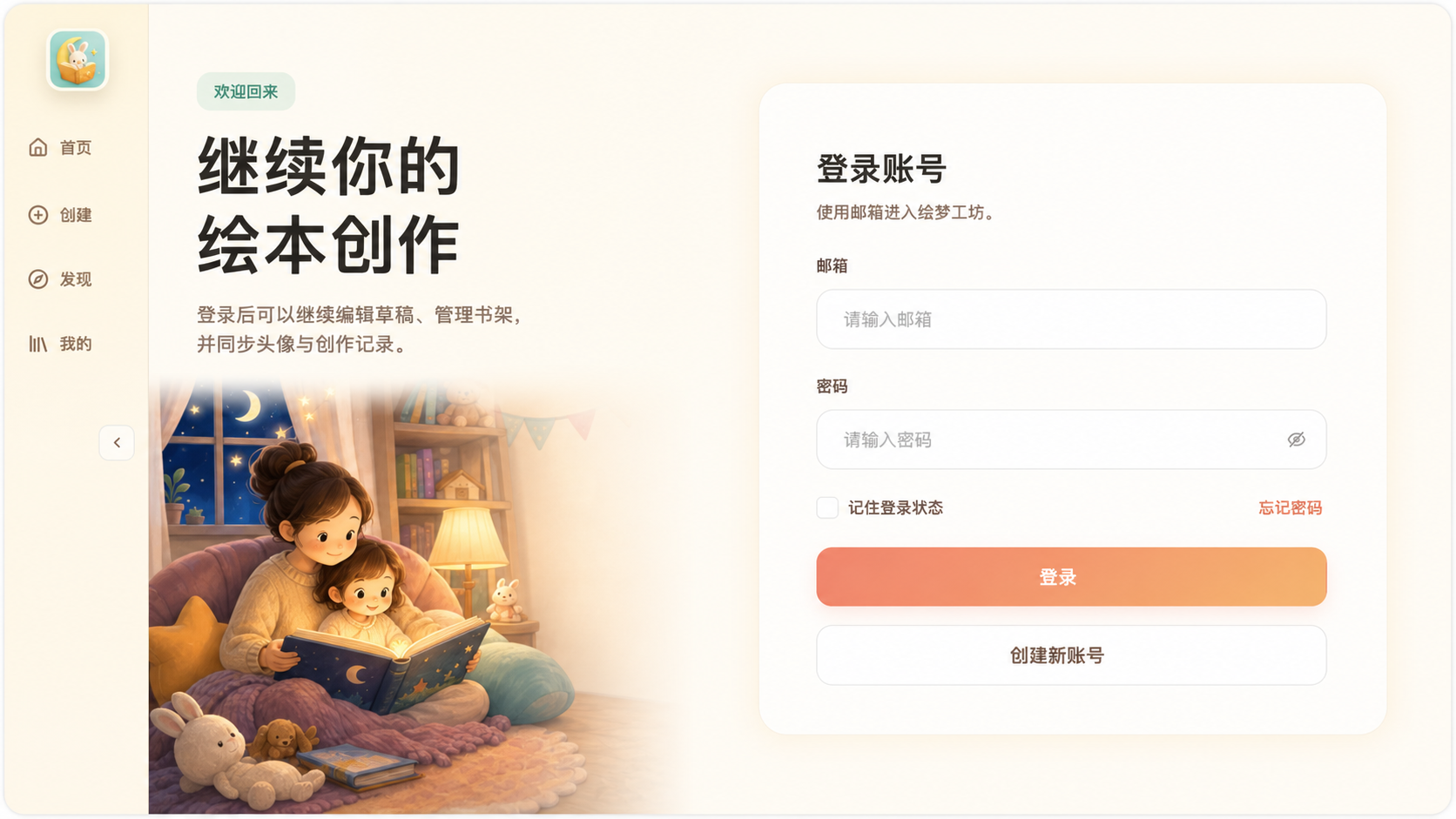
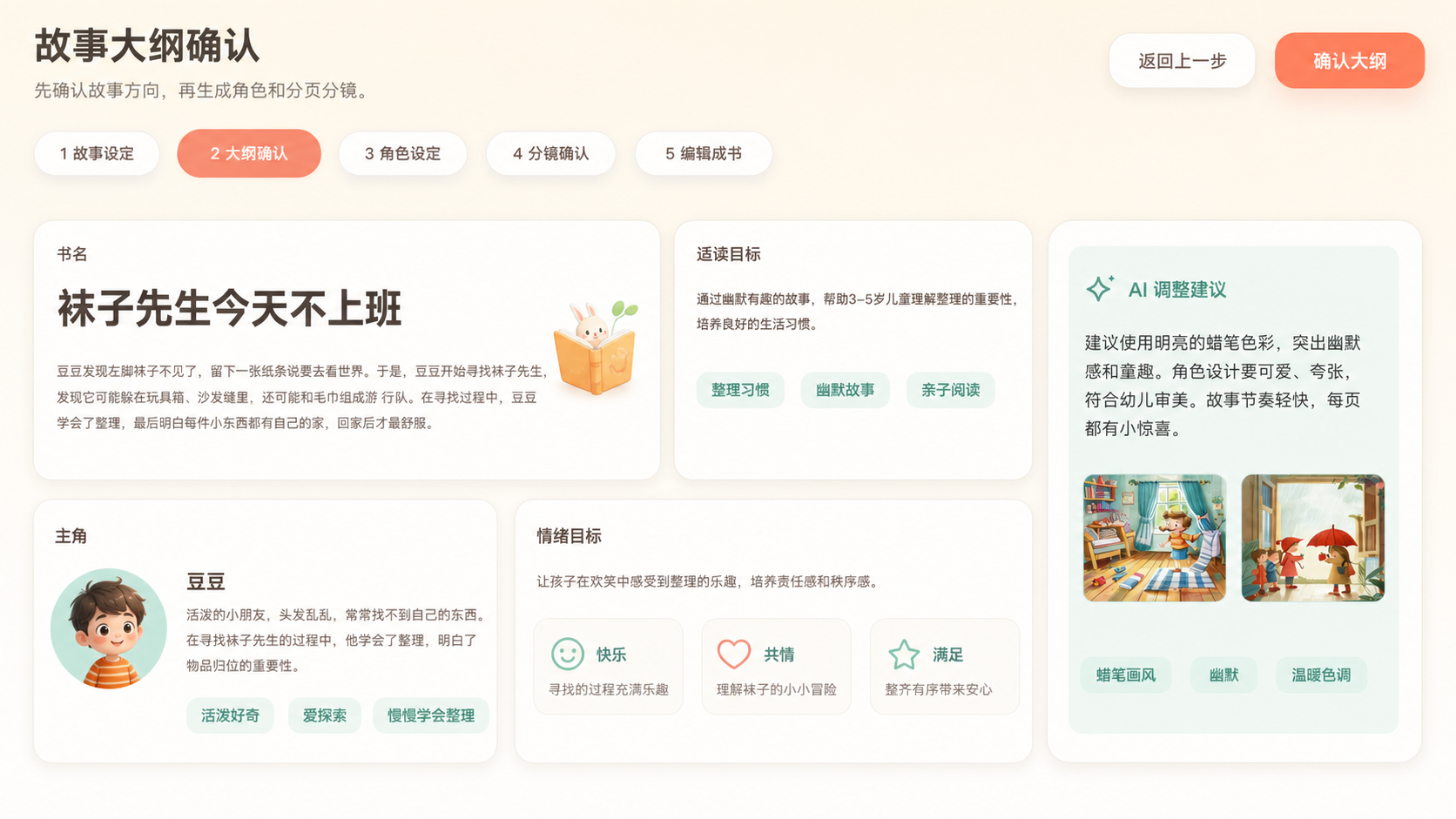
为绘本创作拆出来的能力。
故事、角色、图像和交付不是孤立模块,它们共同服务一本书的完成度。
故事与大纲
从一句灵感生成可继续编辑的故事结构。
角色一致性
记录主角外观、性格和跨页识别点。
分镜节奏
把故事拆成页面目标,降低后期调整成本。
封面与插画
接入生图 provider,支持封面和页面插画任务。
编辑与预览
逐页编辑,然后按阅读顺序预览成书效果。
发现与复用
模板、公共作品和主题合集可以继续扩展。
Quick Start
先看流程,再部署。
The hosted trial is not public yet. For now, review the landing page or self-host the text model, image provider, database, email, and object storage services.
Hosted trial
After the hosted trial is published, you only need OpenAI-compatible text and image APIs to get started. Bring-your-own keys are used for the trial flow by default; if saved settings are enabled, the UI will say so clearly.
MiMo invite: SQS2CQ
Base URL: https://api.xiaomimimo.com/v1/chat/completions
Model: mimo-v2.5
Self-hosting
Copy the env file and configure the five services in the setup guide. AI cost can come from bring-your-own keys, while infrastructure is usually managed by the deployer.
npm install
cp .env.example .env
npm run backend:dev
npm run dev
下一步会更像真正的创作平台。
项目会继续往用户自带模型、作品发现、批量生图和本地模型方向走。
用户自带模型
文本、推理和生图 provider 都可以交给用户配置。
作品广场
模板、公共作品和主题合集形成内容入口。
批量生图
候选图选择、重生成和一致性质检。
Electron 本地版
接入本地 Ollama、Flux、ComfyUI 等工作流。